ONETRUCO v9.6 APK Download – FF & Roblox Latest Version 2026
App Name
ONETRUCO
Size
169 MB
Version
v9.6
Android Required
Android 7.0+
ONETRUCO is an Android APK for players who enjoy Free Fire and Roblox. You can learn how to download and install the app, use it on Windows, update it to the latest version, explore its features, and fix common installation issues. Whether you are installing it for the first time or having trouble with an older version, you can find the basic information you need before using the app.
ONETRUCO App Information
| App Detail | Information |
| App Name | ONETRUCO |
| Latest Version | v9.6 |
| Platform | Android |
| App Type | Gaming Resource |
| Main Games | Free Fire & Roblox |
| File Format | APK |
| Price | Free |
| Root Required | No |
| Category | Gaming |
What Is the Onetruco APK?
The Onetruco APK is an Android application that provides gaming-related information for Free Fire and Roblox. Its content can cover different areas of these games, such as characters, weapons, events, rewards, gameplay tips, and strategies. Users can browse the available sections to find information about a specific game element without treating the app as part of the original games.
It is mainly useful as a reference resource for players who want to learn more about Free Fire or Roblox before playing. It does not replace the official games or change their core gameplay. Users still need the original Free Fire or Roblox application to play, access their accounts, and use their regular game features.
How to Download Onetruco FF on Android?
Downloading an APK on Android requires a few manual steps because the file is installed outside the normal app store process. Before starting, make sure the APK comes from a source you trust and that your phone has enough free storage.
- Download the APK file on your Android phone.
- Wait until the download is fully completed.
- Open your phone’s Settings and find the option for installing unknown apps.
- Allow your browser or file manager to install the APK when Android asks for permission.
- Open the downloaded file from your Downloads folder.
- Tap Install and wait for the process to finish.
- Open Onetruco from your app menu after installation.
After installing it, review the permissions requested by the application and only allow access that makes sense for its functions.
How to Download Onetruco FF on Your Computer (Windows 7/10/11)?
Onetruco is an Android APK, so Windows users normally need an Android emulator to run it on a computer. An emulator creates an Android environment where compatible mobile applications can be installed.
First, install a reputable Android emulator that supports your Windows version. Open the emulator after installation and complete its initial setup. Then download the APK and either drag the file into the emulator or use its APK installation option.
Once the installation finishes, its should appear in the emulator’s app list. You can open it from there and browse its available gaming content. Performance can vary depending on the emulator, Windows version, and hardware of your computer.
How Do I Update the Onetruco Mobile APK App to the Latest Version?
If your installed version is older, updating it can give you access to newer content and available improvements. Before updating, check the version number of the APK you already have and compare it with the newer file.
Download the newer APK and install it on your device. In many cases, the newer package can update the existing installation without requiring you to remove the older version first. If Android refuses the update, check whether the files come from the same source and whether you have enough storage available.
Always keep a copy of important app data when necessary, especially if you are replacing an older APK manually.
Main Features of Onetruco
Onetruco brings different gaming resources into separate sections, so players can focus on the information they need. Its content covers both Free Fire and Roblox, with topics ranging from game elements and rewards to guides and gameplay strategies.
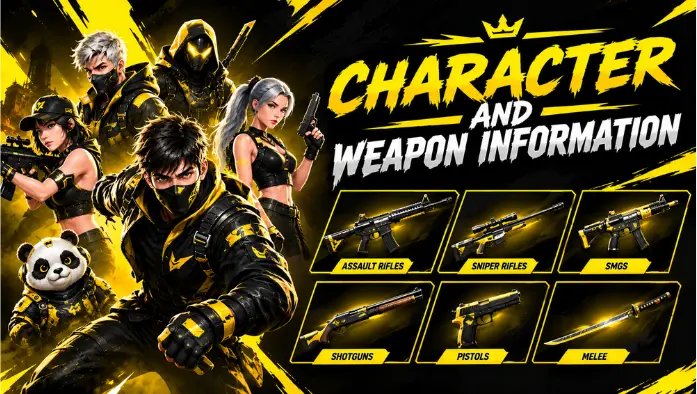
Character and Weapon Information
The character and weapon sections provide information that helps players understand different options in Free Fire and other supported gaming content. Character details can explain abilities and gameplay roles, while weapon information can cover basic uses, strengths, and differences between available options. This gives players a quick reference when comparing characters or choosing weapons for different situations.
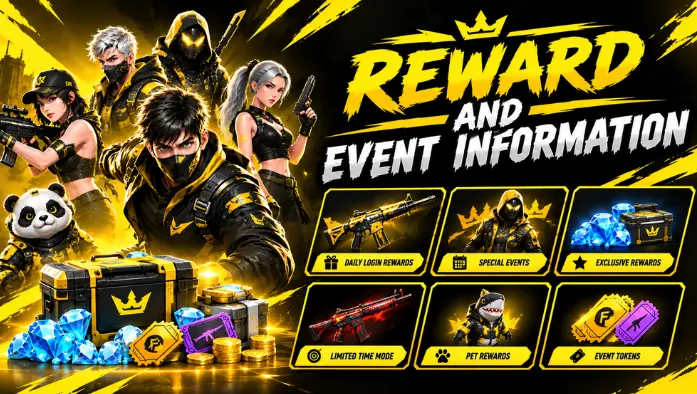
Reward and Event Information
The reward and event sections bring together information about game activities, available rewards, and limited-time events. Players can check what an event is about and learn which rewards or activities are associated with it. Checking this information regularly can also help players keep track of new or changing event content.
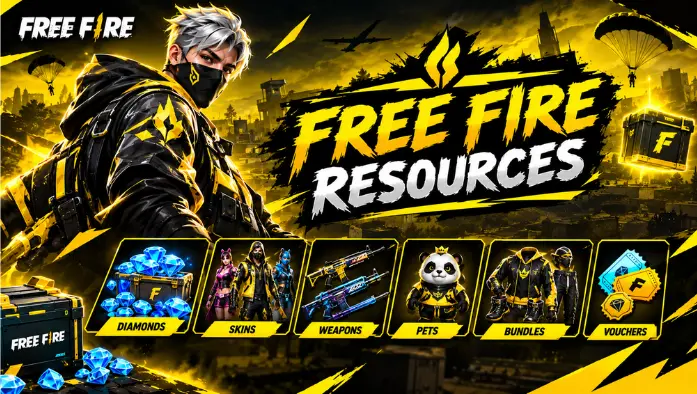
Free Fire Resources
ONETRUCO includes resources related to Free Fire, covering topics such as characters, weapons, events, and gameplay. These resources are designed to give players useful information about different parts of the game without requiring them to search for every topic separately.
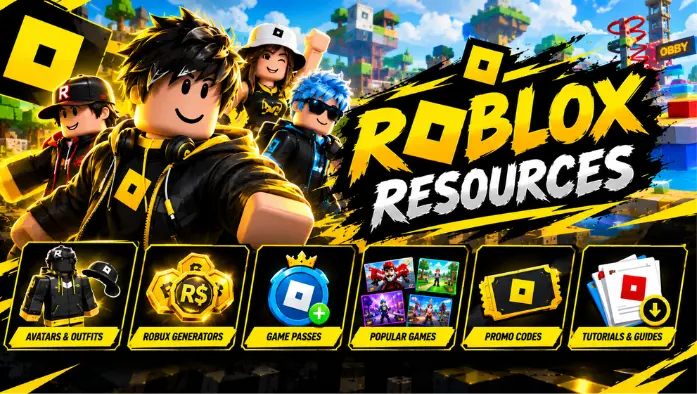
Roblox Resources
The Roblox section provides gaming-related information and guides for players who use different Roblox experiences. Since Roblox includes many types of games, the available content can vary by topic. Players can use these resources to find tips, gameplay information, and other details related to supported Roblox content.
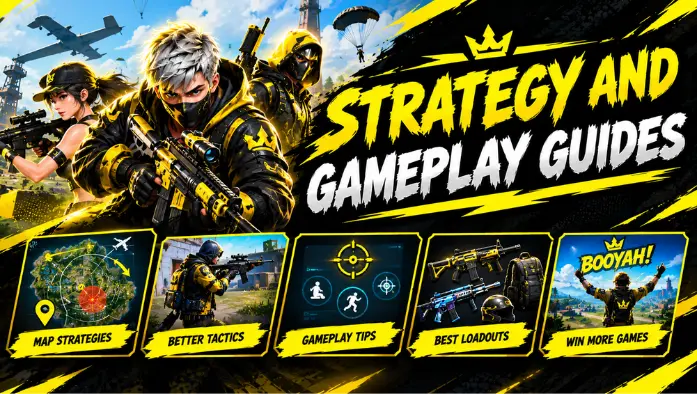
Strategy and Gameplay Guides
The strategy and gameplay guides provide practical information for players who want to understand different game mechanics or improve their approach during matches. These guides can cover general strategies, positioning, decision-making, and other gameplay tips. Players can use them as a starting point and adapt the suggestions to their own playstyle.
System Requirements for Android Users
Before installing Onetruco, make sure your Android phone has enough storage and supports the APK you are downloading. Requirements can vary between app versions and devices, so check the information provided with the specific APK before installation.
Your device should have:
- A compatible Android version
- Enough free storage for the APK and installation
- A stable internet connection for downloading the file
- Permission to install apps from the source you are using
- Enough available system resources for normal app operation
If the APK does not install or runs slowly, check your Android version, available storage, internet connection, and device settings. These basic checks can help identify common compatibility and installation problems.
Is It Safe to Use Onetruco?
The safety of Onetruco depends on the APK file you download and the source it comes from. Before installing it, check that the file is from a source you trust and scan it with a reliable security tool when possible. You should also review the permissions requested by the app and avoid granting access that is not relevant to its normal function.
Be careful with websites or APK files that promise free diamonds, Robux, or other in-game benefits in exchange for your login details. It should not require your Free Fire or Roblox password for basic use. Never share your account credentials or payment information with an unknown app or website, and stop the installation if anything appears suspicious.
How Do You Use Onetruco in Free Fire or Roblox?
After installing, open the app and browse the available gaming sections. Select Free Fire or Roblox based on the information you want to explore, then choose the relevant topic, such as characters, weapons, events, rewards, or gameplay guides. Read the available information and use it as a reference while playing.
Onetruco is intended for accessing gaming-related resources, so it does not replace the original Free Fire or Roblox applications. You should open the official game separately when you want to play, access your account, or use features that require the original game.
Troubleshooting Guide for Onetruco
Problems with an APK can occur during downloading, installation, or when opening the app. Before trying advanced solutions, check the APK file, Android settings, available storage, and your internet connection.
The APK Does Not Install
If the APK does not install, the file may be incomplete, incompatible with your Android version, or blocked by your device settings. First, make sure the download finished correctly and that you have enough free storage.
Installation Permission Is Disabled
Android may prevent an APK from installing when permission for apps from the selected source is disabled. Open your device settings and allow the browser or file manager you are using to install the APK, then try the installation again.
Slow Loading Times
Slow loading can be caused by an unstable internet connection, limited device resources, or too many apps running in the background. Close unnecessary apps, check your connection, and restart the device before open again.
Storage Error
A storage error usually means your phone does not have enough free space for the APK or its installation. Remove unnecessary files or unused apps, then make sure sufficient storage is available before downloading the APK again.
The App Does Not Open
If closes immediately or does not open, restart your device and check whether the APK is compatible with your Android version. If the problem continues, the downloaded file may be incomplete or the version may not work correctly on your device.
Comparison with Topintruco
Onetruco and Topintruco are gaming-related resources, but they may differ in the type of content they provide. The table below gives a simple overview based on their general focus.
| Comparison Point | Onetruco | Topintruco |
|---|---|---|
| Main focus | Free Fire and Roblox resources | Free Fire-related resources |
| Free Fire content | Yes | Yes |
| Roblox content | Yes | Not the main focus |
| Gaming guides | Available | Available |
| Character information | Available | Available |
| Weapon information | Available | Available |
| Strategy content | Available | Available |
Onetruco focuses on both Free Fire and Roblox, while Topintruco is more focused on Free Fire-related information. Users can compare the available sections and choose the resource that matches the type of gaming information they want to explore.
What to Know Before Using ONETRUCO
Before using ONETRUCO, check that you have downloaded the correct APK file and that it is compatible with your Android device. Make sure the download is complete and review the permissions requested during installation before opening the app.
It is also important to understand that is a gaming resource and should not be used to modify Free Fire or Roblox, bypass account security, or obtain unauthorized in-game currency. Never provide your game password, payment information, or other sensitive account details to an unknown APK or website.
Pros and Cons
Pros
Cons
Final Word
ONETRUCO provides a convenient way to explore Free Fire and Roblox-related gaming resources in one Android app. Its different sections can help players find information about game elements, events, rewards, and gameplay without looking for every topic separately.
Before installing the APK, take a moment to check the file source, device compatibility, and requested permissions. Using a reliable APK source and avoiding requests for sensitive account information can help you use the app more carefully.